Furry AI Art Generator
FurryAI is a furry AI art generator built for one job: drawing anthropomorphic characters. You describe the character in a short prompt, tick a few options for species, gender, body, clothes and background, and the model returns up to six images at a time.
Generic image tools tend to treat furry art as an edge case, so you get human faces with animal ears, muddled paws or a species that drifts halfway between wolf and dog. A dedicated AI furry art generator is tuned for muzzles, fur patterns, digitigrade legs and tails, which means less fighting with the prompt and more usable images.
This page covers how to write prompts that work, which style to pick, how to keep a character consistent and what people usually do with the results.
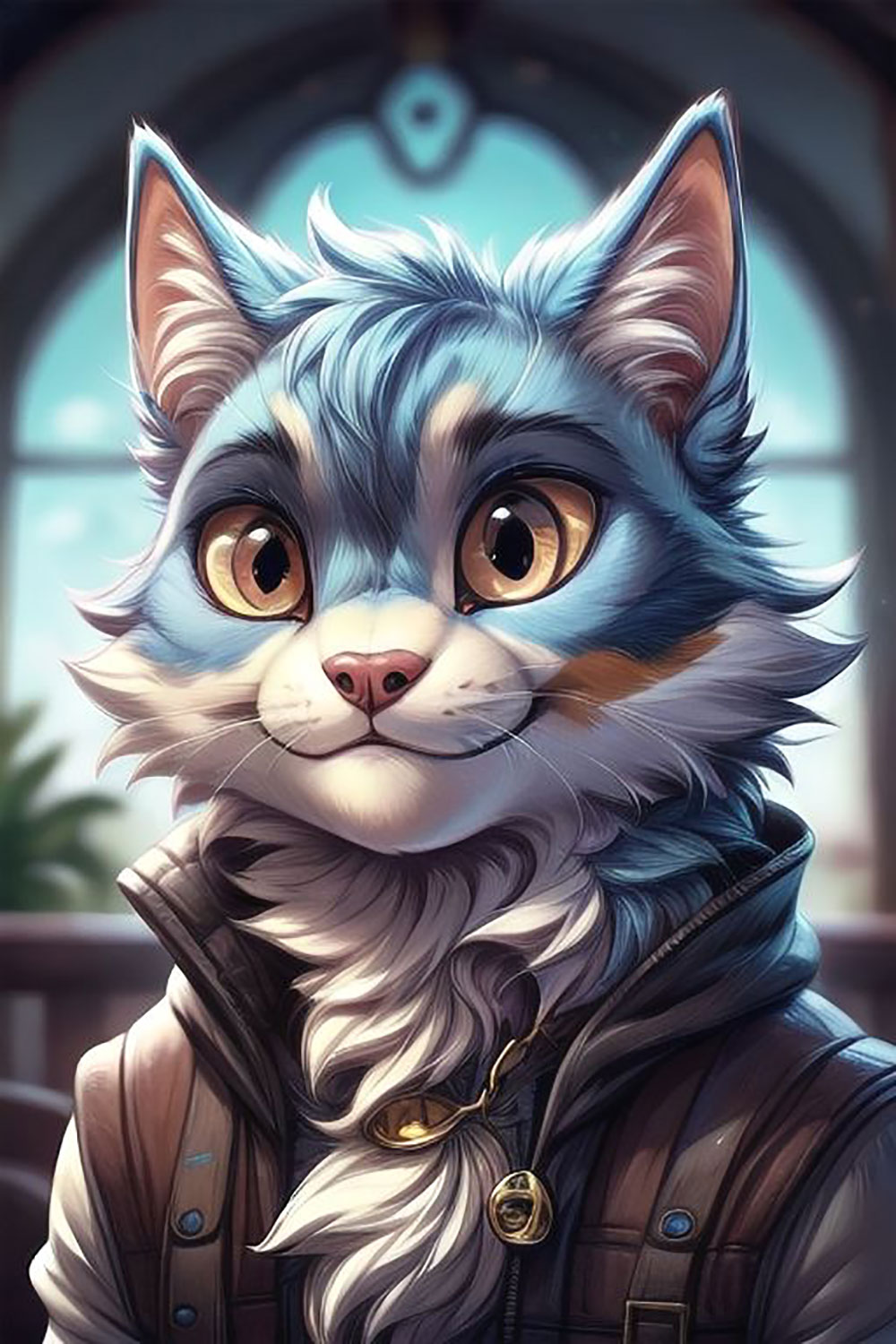
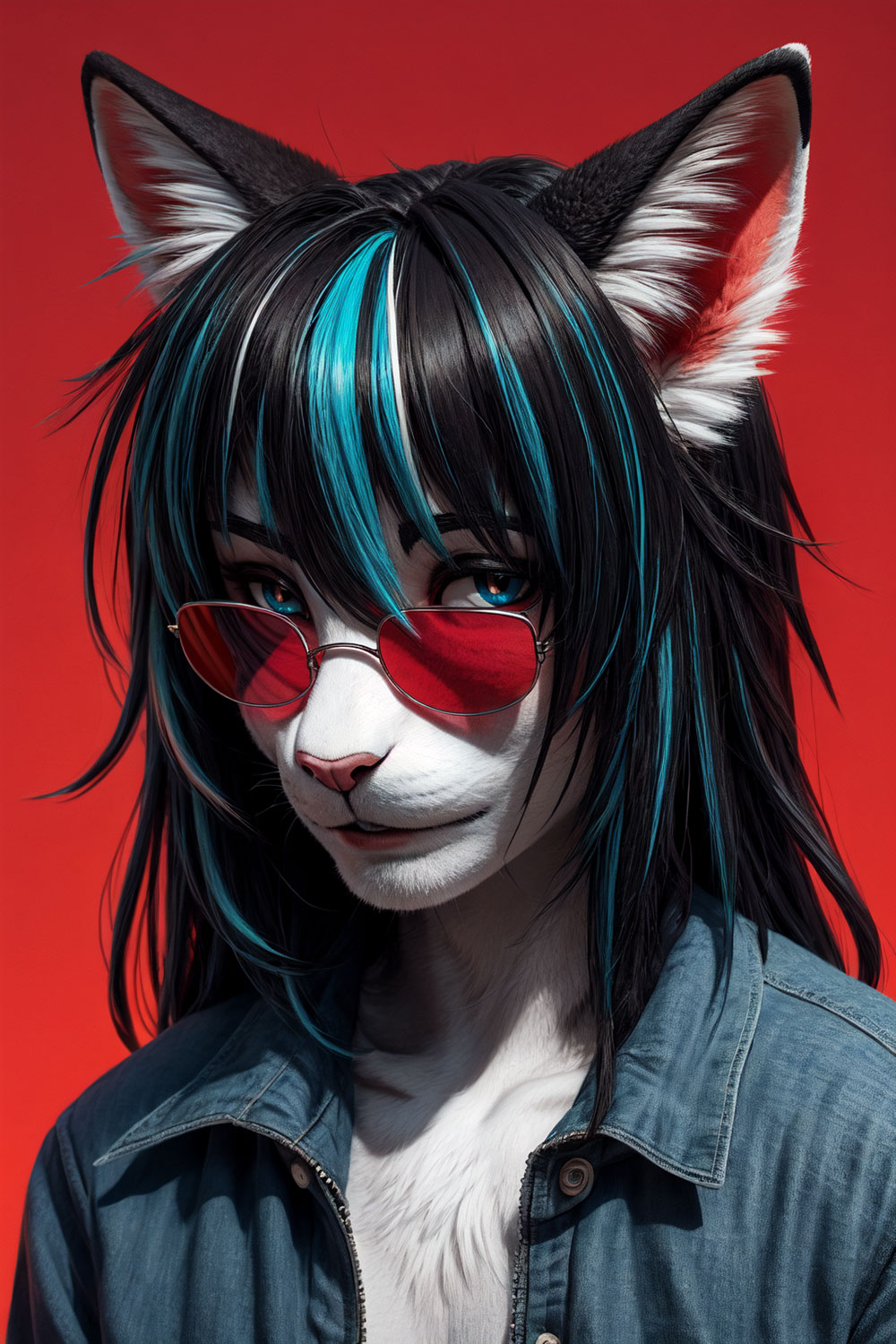
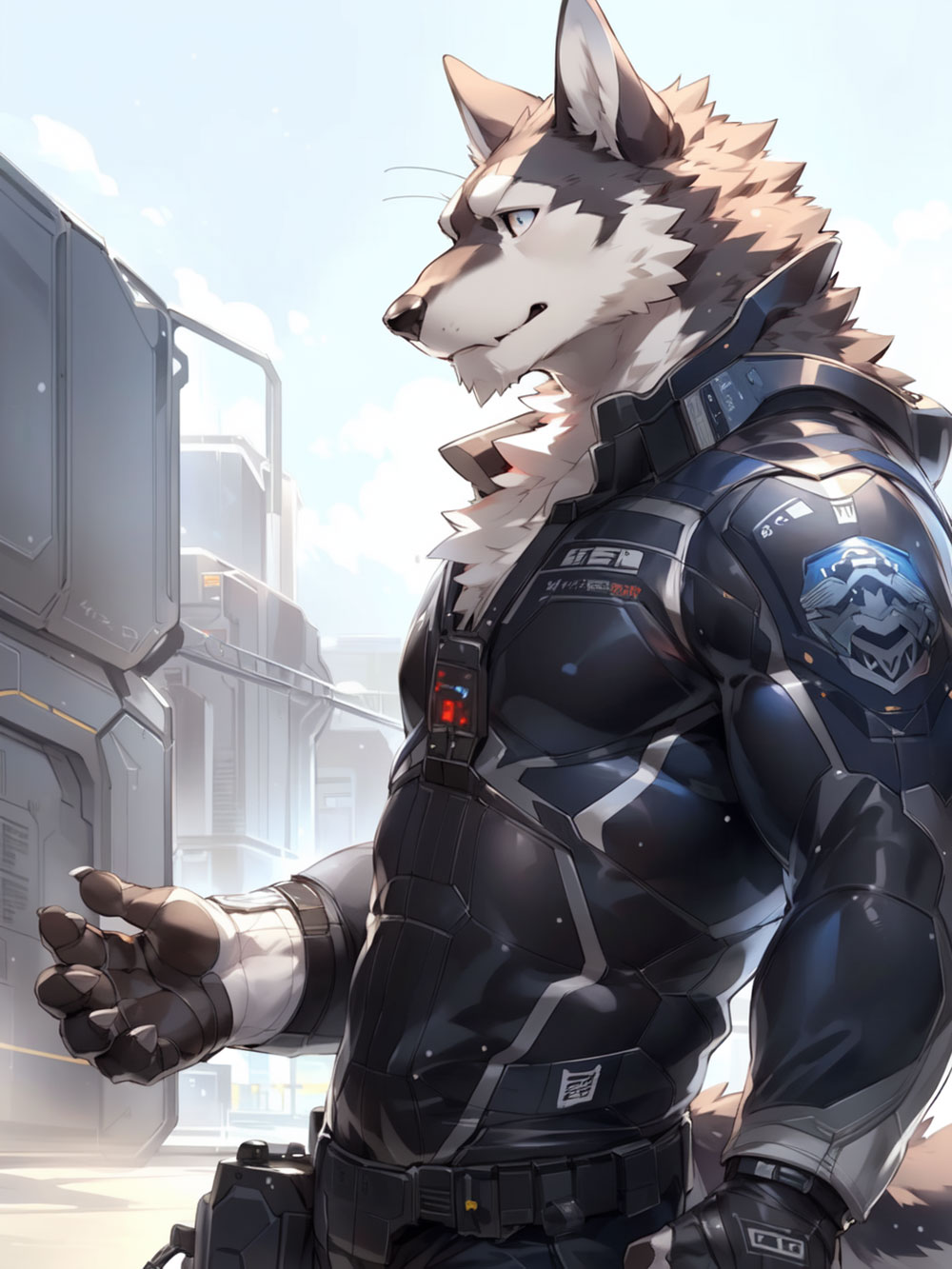
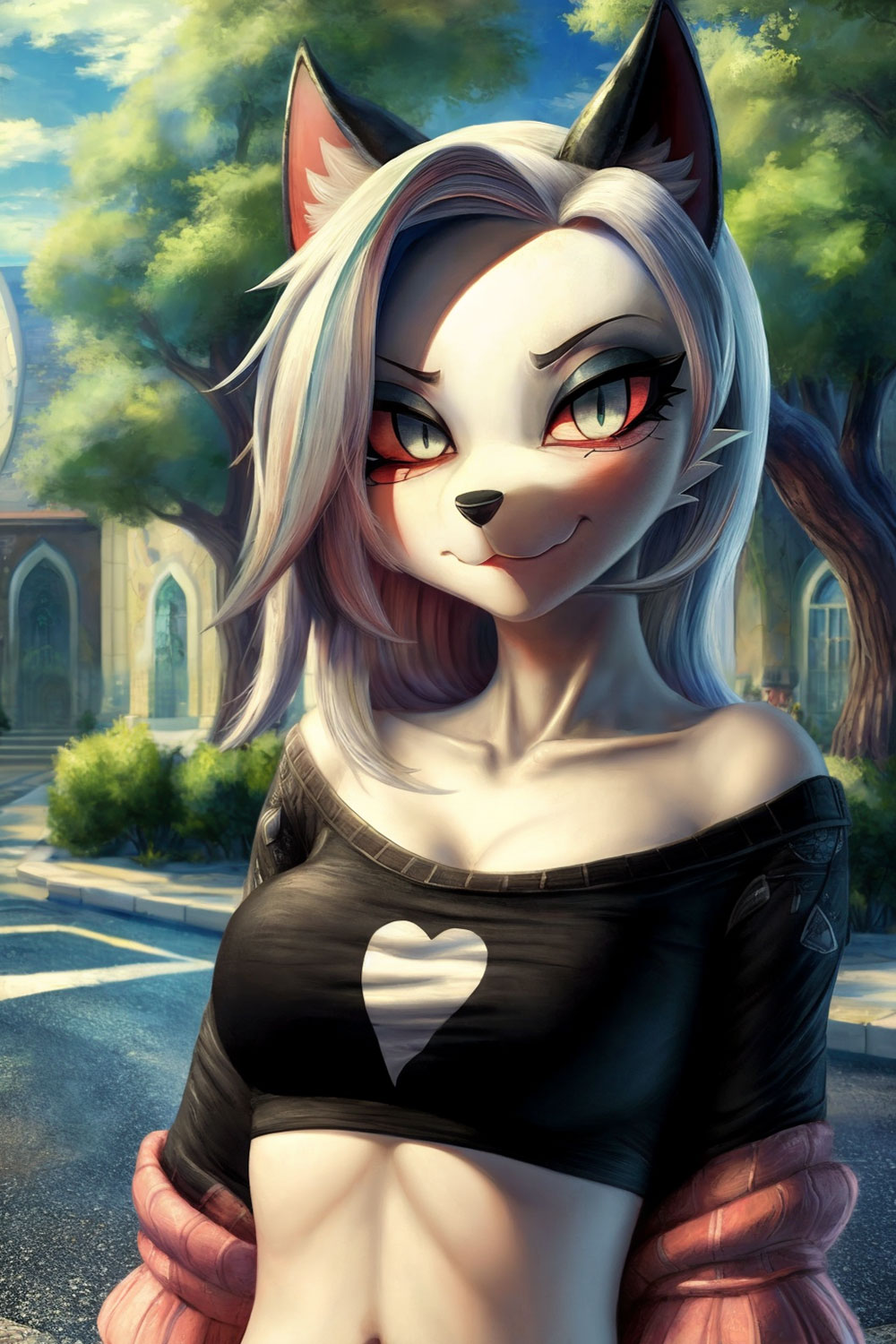
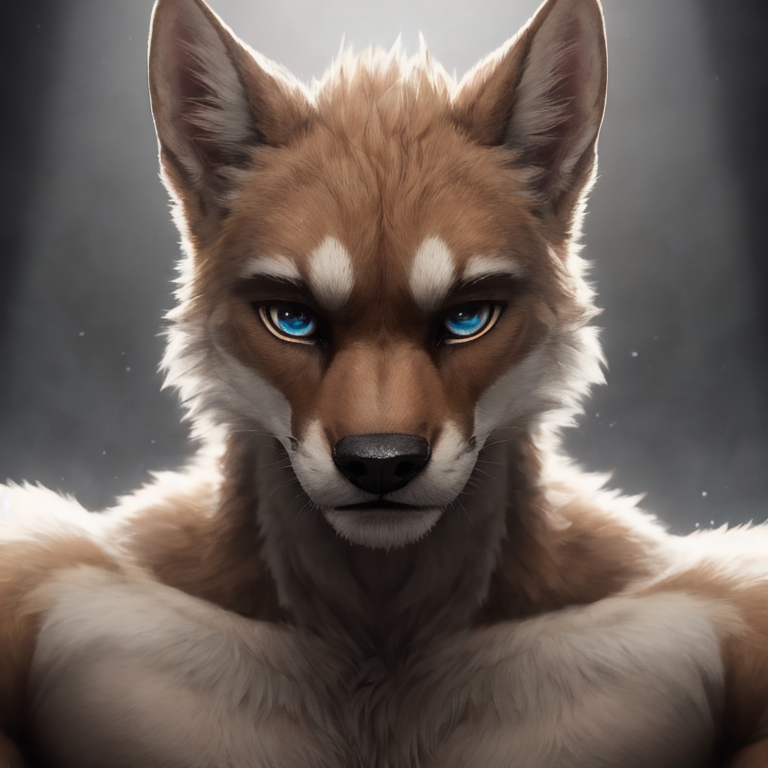
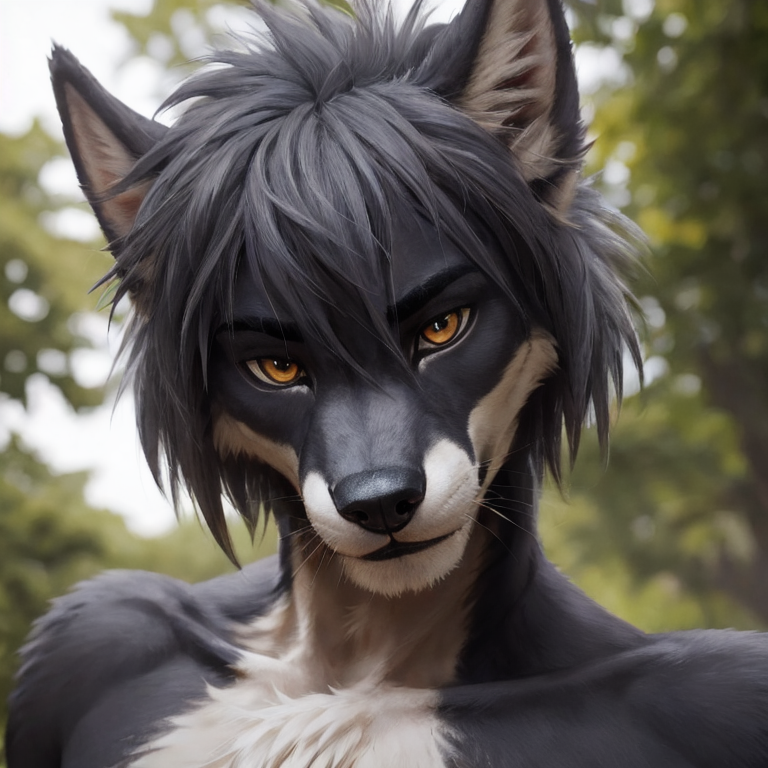
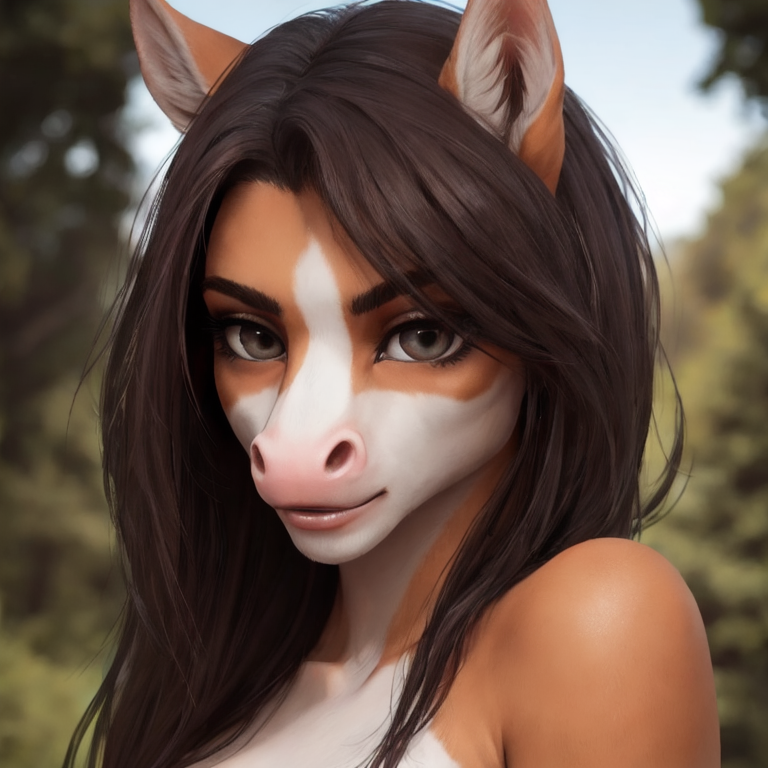
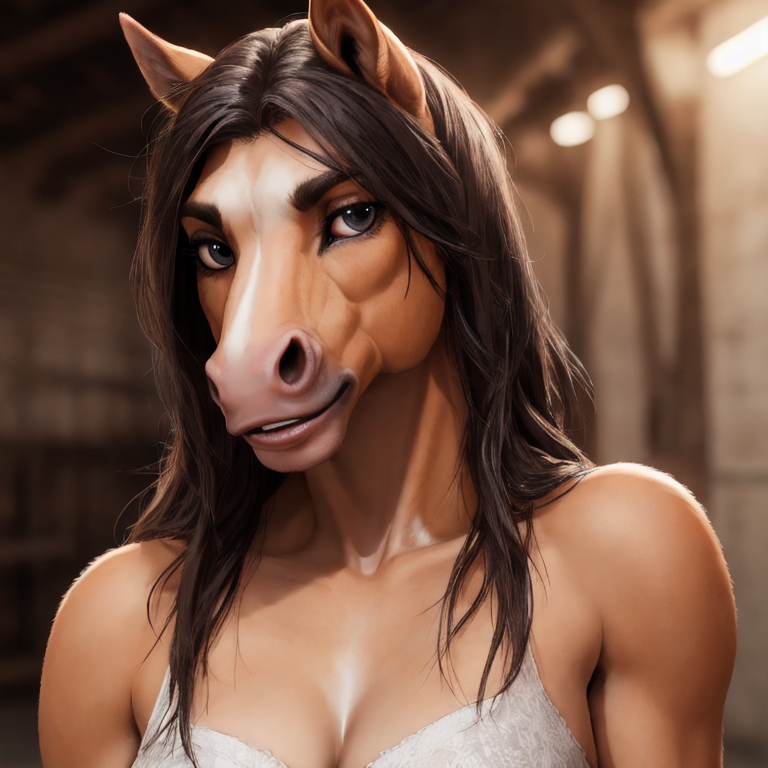
What a furry AI art generator does differently
Furry art has its own anatomy. A convincing anthro fox needs a fox skull shape, a muzzle that reads from the side, hands that are neither fully human nor fully paw, and fur that follows the body instead of sitting on it like a texture. General-purpose models have seen far more humans than anthros, so they often pull the character back toward a person in a costume.
Species mixing is the other hard part. Ask a generic model for a "wolf and snow leopard hybrid" and it will usually pick one and ignore the other. A furry AI image generator that has been trained around these characters handles markings, ear shapes and tail types as separate traits, so combinations hold together better.
How to write a prompt that works
Short, concrete prompts beat long ones. Lead with the species and the word "anthro", add one or two details about clothing or pose, then describe the setting and the light. Every word should describe something you can see in the image.
A few prompts that give clean results:
- anthro red fox, hoodie, city street at night, soft lighting
- anthro grey wolf, leather jacket, leaning on a motorcycle, sunset
- anthro snow leopard, knitted scarf, reading in a cozy cafe, warm light
- anthro rabbit, overalls, tending a vegetable garden, morning sun
- anthro tiger, fantasy armor, holding a sword, misty forest
Default, Anime or 3D realistic: picking a style
FurryAI has three styles for general art. Default is painterly and illustrative, close to the look of commissioned digital art, and it is the safest starting point for most characters. Anime gives clean lines, flatter shading and larger, more expressive eyes, which suits cute characters, icons and comic panels. 3D realistic renders fur, lighting and materials with depth, so it works well for dramatic portraits and characters you want to feel physical.
If you are unsure, run the same prompt in two styles and compare. The species and outfit carry over, so it is a quick way to find the best AI for furry art for a particular character rather than guessing in advance.
Use the options instead of a long prompt
The checkbox options exist so you do not have to spell everything out. Set species or fursona, gender, body type, clothes and background with the options, then keep the prompt for what is unique: the pose, the mood, the one accessory that makes the character yours.
Choose the aspect ratio to match where the image will go. 1:1 is right for avatars and icons, 2:3 for full-body character shots and phone wallpapers, and 3:2 for scenes with more background. Generating six images at once gives you enough variation to pick a favourite without rerunning the prompt.
Keeping a character consistent across images
To get the same character more than once, fix the parts that define them. Keep the species, fur colours and markings in the same words and the same order every time, keep the same options ticked, and change only the scene or the pose. A saved base prompt such as "anthro arctic fox, white fur, blue eyes, black ear tips, green bomber jacket" makes this easy.
Stay in one style for a set. Switching between Default and 3D realistic changes proportions and shading enough that the character can look like a cousin rather than the same person.
What to do with your furry art
You can download your images and use them however suits you. Common uses include:
- Fursona reference sheets to show an artist or a suit maker what your character looks like
- Profile pictures and icons for Discord, Telegram or social accounts
- Wallpapers and prints of a favourite scene
- Story and comic panels featuring a recurring character
- Quick concept art before you commission a finished piece