18+ — this page describes adult furry art. By continuing you confirm you are over 18 and accept our terms.
AI Yiff Generator
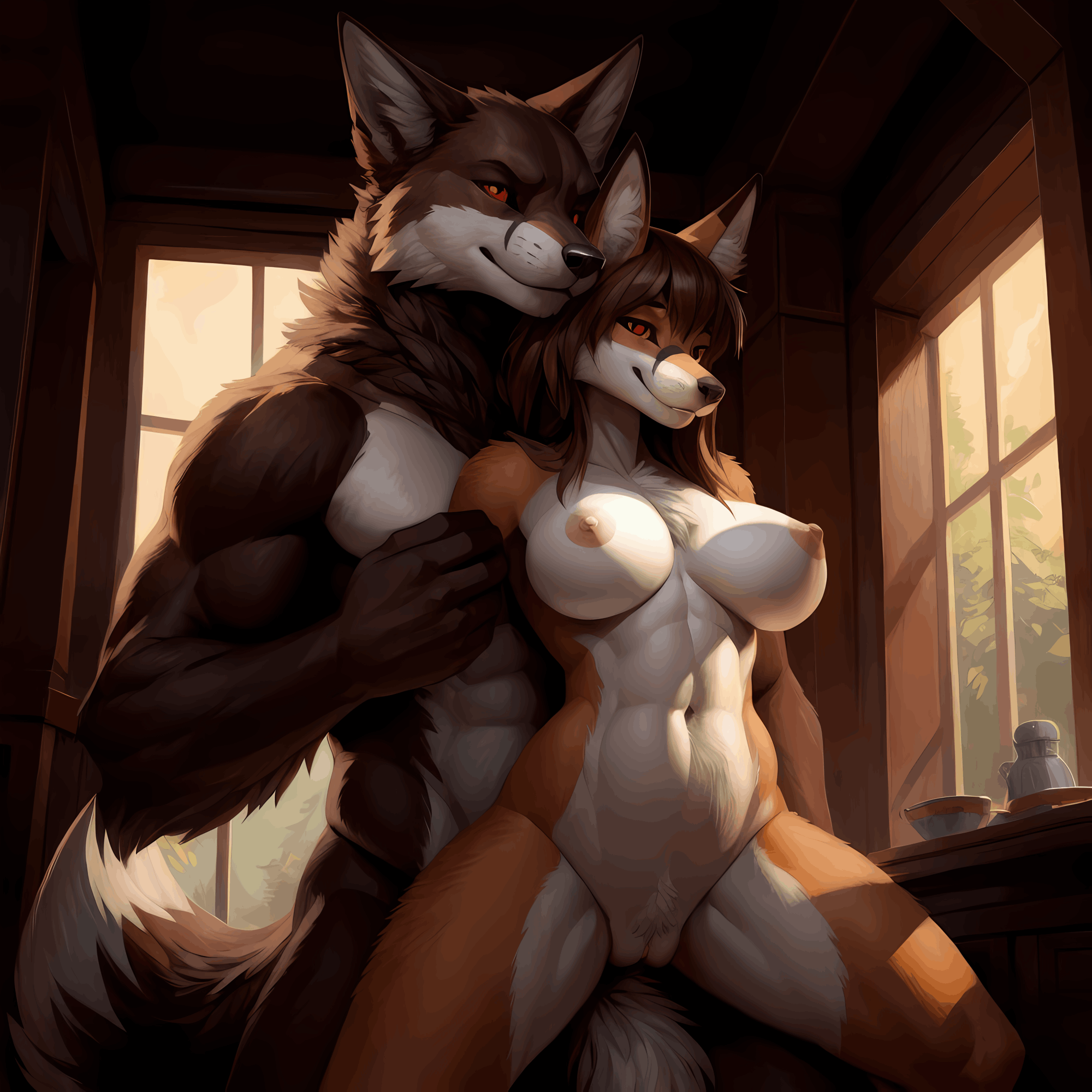
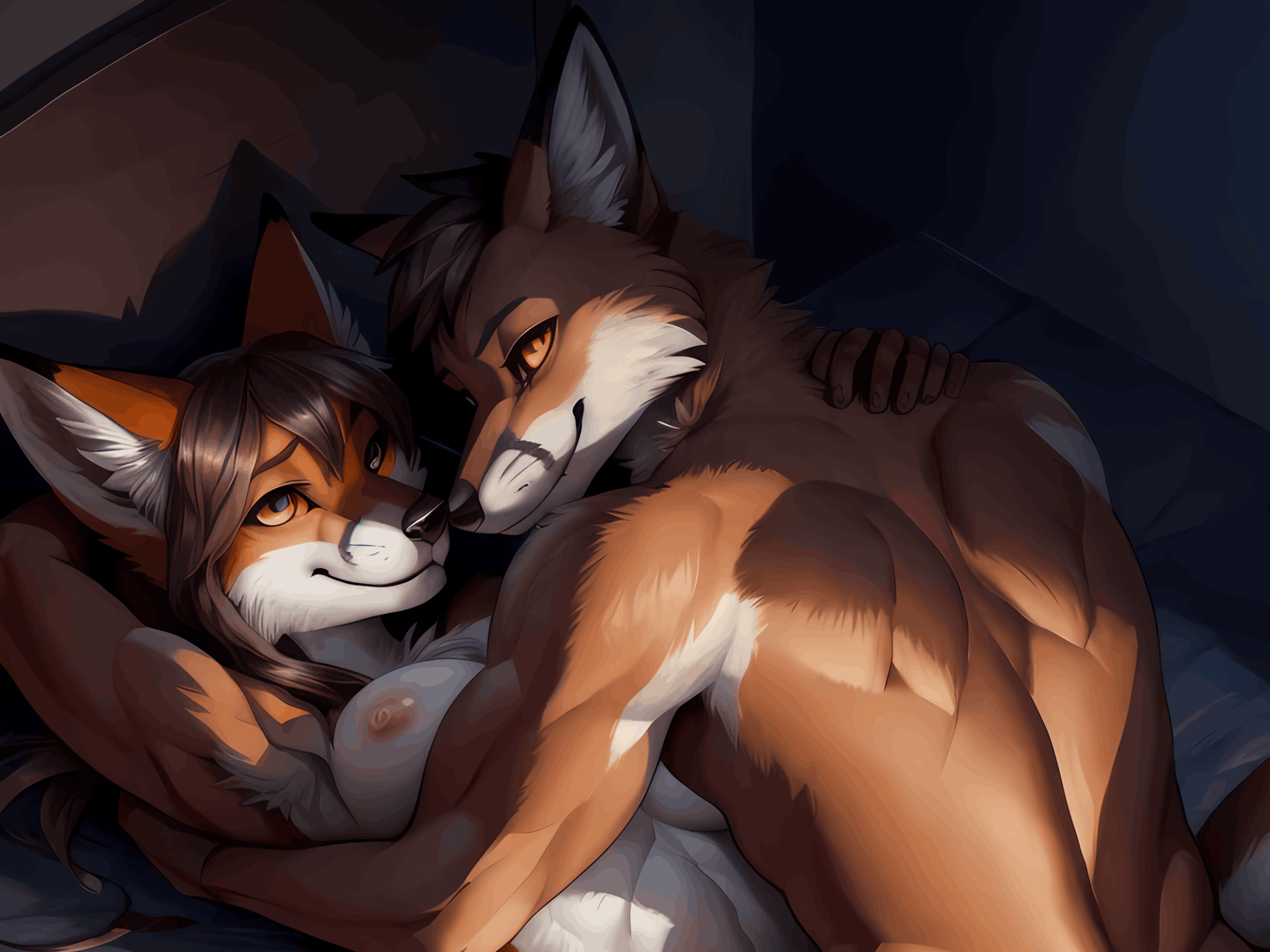
If you searched for "yiff ai", you probably already know the word. For everyone else: "yiff" is furry-community slang for adult furry art, meaning explicit or suggestive artwork of anthropomorphic animal characters. FurryAI works as an AI yiff generator for adults. You describe the characters in a text prompt, tick a few options, and get up to six images in one generation.
This page is about three things: what the term covers and what the tool actually produces, which of the four models to pick for the look you want, and a simple workflow for getting from a prompt to an image you like. Every character on FurryAI is an adult anthropomorphic animal, and the site is for users aged 18 and over.
Sign-up is free with a Google account and includes an 18+ confirmation. Generating images needs a plan; adult models are included from Premium at $14.99 a month.


What "yiff" means and what an AI yiff generator makes
In the furry fandom, "yiff" is the usual shorthand for adult content. When people say they are looking for yiff art, they mean artwork of adult furry characters intended for mature audiences, from suggestive pin-ups to more explicit scenes.
An AI yiff generator turns a written description into that kind of image; most people searching for furry AI yiff want exactly this. On FurryAI you type a prompt, choose species, gender, body type, pose, clothes and background from checkboxes, and switch on the NSFW toggle to open the adult options. The result is a set of still images of anthropomorphic characters in the style of the model you picked. There is no video, image-to-image or upscaling: you work from text and options only.
Choosing a model for adult furry art
The model has more effect on the final image than almost any word in your prompt, so pick it first when you make AI yiff art. Four models are available with the NSFW toggle on, and each suits a different kind of yiff art.
- Default (painterly): soft brushwork and rich colour; pick it when you want something that looks like a digital painting or a commissioned piece.
- Anime: clean lines and flat shading; pick it for a cartoon or manga feel with expressive faces.
- 3D realistic: rendered fur, lighting and depth; pick it when you want the character to look like a detailed 3D render.
- Hentai: anime-style adult art; pick it when you want the anime look with the adult themes taken further.
Prompting for one character or a couple
For a single character, describe the species, build, colouring and setting in plain terms, then let the checkboxes handle pose and clothes. For couples, FurryAI has gay and hetero couple presets that set up two characters for you, so your prompt only needs to describe who they are and where they are.
Keep prompts short and concrete. Name the species, the mood and the lighting rather than stacking adjectives. A few examples that work well as starting points:
- "anthro snow leopard, muscular, lounging on a sofa, city apartment at night, neon light"
- "two anthro wolves, 3D realistic, embracing, bedroom, warm light"
- "male anthro fox and male anthro husky, painterly, sitting close on a beach at sunset"
Species and body options
The species or fursona field accepts any animal you can name, from common choices like foxes, wolves, dragons and big cats to hybrids. If you already have a fursona, describe its colours and markings the same way each time so the character stays recognisable across generations.
Gender and body type are separate checkboxes, so you can combine them freely: a slim male otter, a curvy female dragon, a heavyset male bear. Setting these as options instead of writing them into the prompt tends to give more consistent results, because the model reads them as fixed choices rather than one word among many.
Six images per run, then pick the best
Each generation can return up to six images from the same prompt. Treat them as a contact sheet: the composition, pose and expression vary between images even when the description is identical. Pick the one that comes closest, note what you liked about it, and adjust the prompt or options before running again.
Choose the aspect ratio to match where the image is going: 1:1 for icons and avatars, 2:3 for full-body portraits, 3:2 for wider scenes with two characters. The first generation of a session can take a few minutes while the model starts up; after that, runs usually finish in under 30 seconds.
Private by default, and the 18+ rule
The images you generate stay on your account. Nothing is posted publicly unless you choose to share it, so you can experiment with adult prompts without them appearing anywhere else on the site.
FurryAI is for adults only. You confirm you are 18 or over when you sign up, every character must be an adult anthropomorphic animal, and content involving minors, ambiguous ages or non-consent is not allowed.