AI Fursona Maker
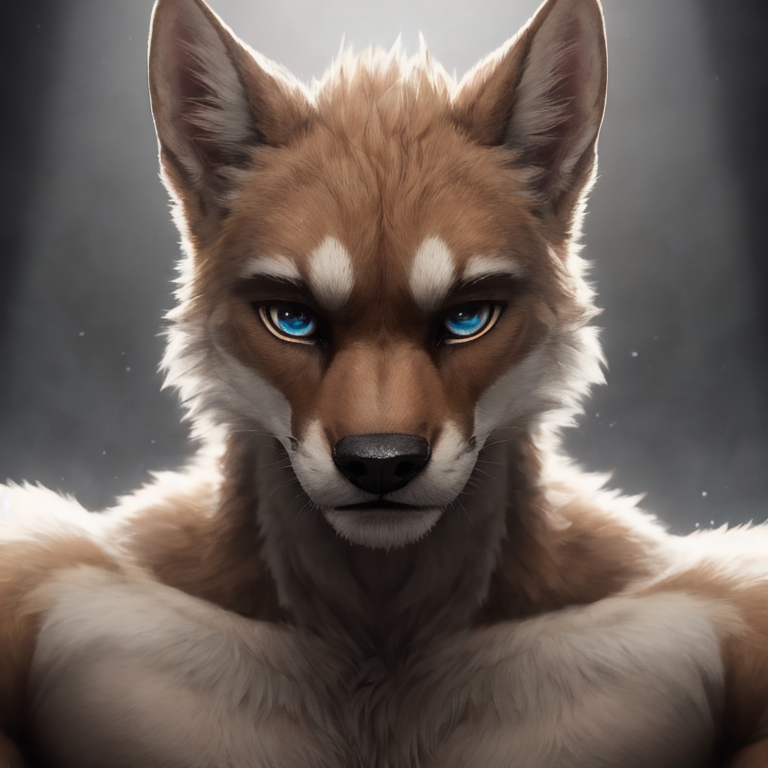
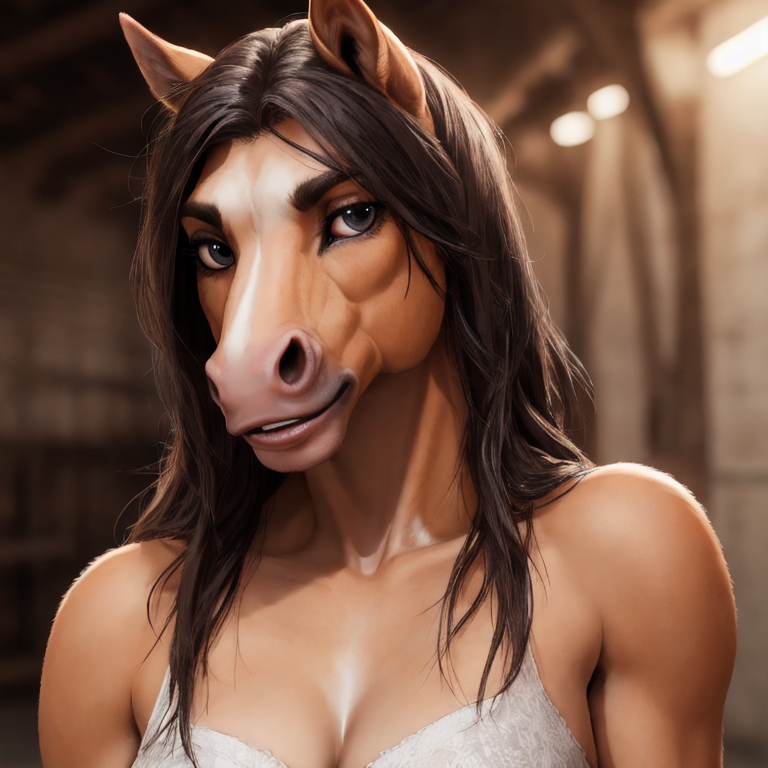
A fursona is the animal character that stands in for you in the furry community: your avatar, your icon, the character you draw yourself as. FurryAI works as an AI fursona maker. You describe the character in a text prompt, tick a few options for species, gender, body, clothes and background, and get up to six images of that character in one generation.
This page is about designing the character itself, not about art styles in general. It walks through deciding what your fursona looks like before you write anything, turning those decisions into a prompt, and keeping the same character recognisable from one generation to the next.
Sign-up is free with a Google account. Generating images needs a plan, starting with Starter at $9.99 a month for 300 images.
Why make a fursona with AI first
Most people who want a fursona eventually commission an artist for a reference sheet or a portrait. Before that, you need to know what you actually want: which species, which colours, where the markings go, what the character wears. Many people find that hard to settle in their head or explain in a message.
Using a fursona generator for this stage lets you try ideas quickly. You can see whether a red fox reads better with black or white socks, whether a wolf feels more like you in a hoodie or a leather jacket, or whether a hybrid works at all. Once you have a version you like, you have something concrete to show, which makes a commission easier for both you and the artist.
Decide the basics before you write a prompt
The fursona maker can only show you what you describe. If you start with a vague idea, you get a different character every time. Spend a few minutes writing down the core of the design first. Treat this list as the fixed part of your character; everything else, such as pose, background and outfit, can change between images.
- Species: one animal, or a clear hybrid such as "fox and wolf hybrid".
- Main fur colour and a secondary colour for the belly, muzzle or chest.
- Markings: stripes, spots, rosettes, socks, a tail tip, face markings, and where they sit.
- Eye colour, plus hair if your character has it.
- Body type and gender, which you can also set with the checkbox options.
- One or two signature items: a scarf, glasses, an earring, a favourite jacket.
- Personality in a word or two, which shows up as expression and pose: shy, cheerful, smug, calm.
Writing a fursona prompt
Write the prompt as a short, comma-separated description: species first, then colours and markings, then clothing, then expression and framing. Plain, specific words work better than long sentences. "Portrait" or "full body" at the end tells the model how much of the character to show.
Here are three examples for different species that you can adapt:
- anthro snow leopard, grey fur with black rosettes, blue eyes, denim jacket, friendly smile, portrait
- anthro red fox, orange fur, white chest and muzzle, black socks and ear tips, green eyes, oversized yellow hoodie, playful grin, full body
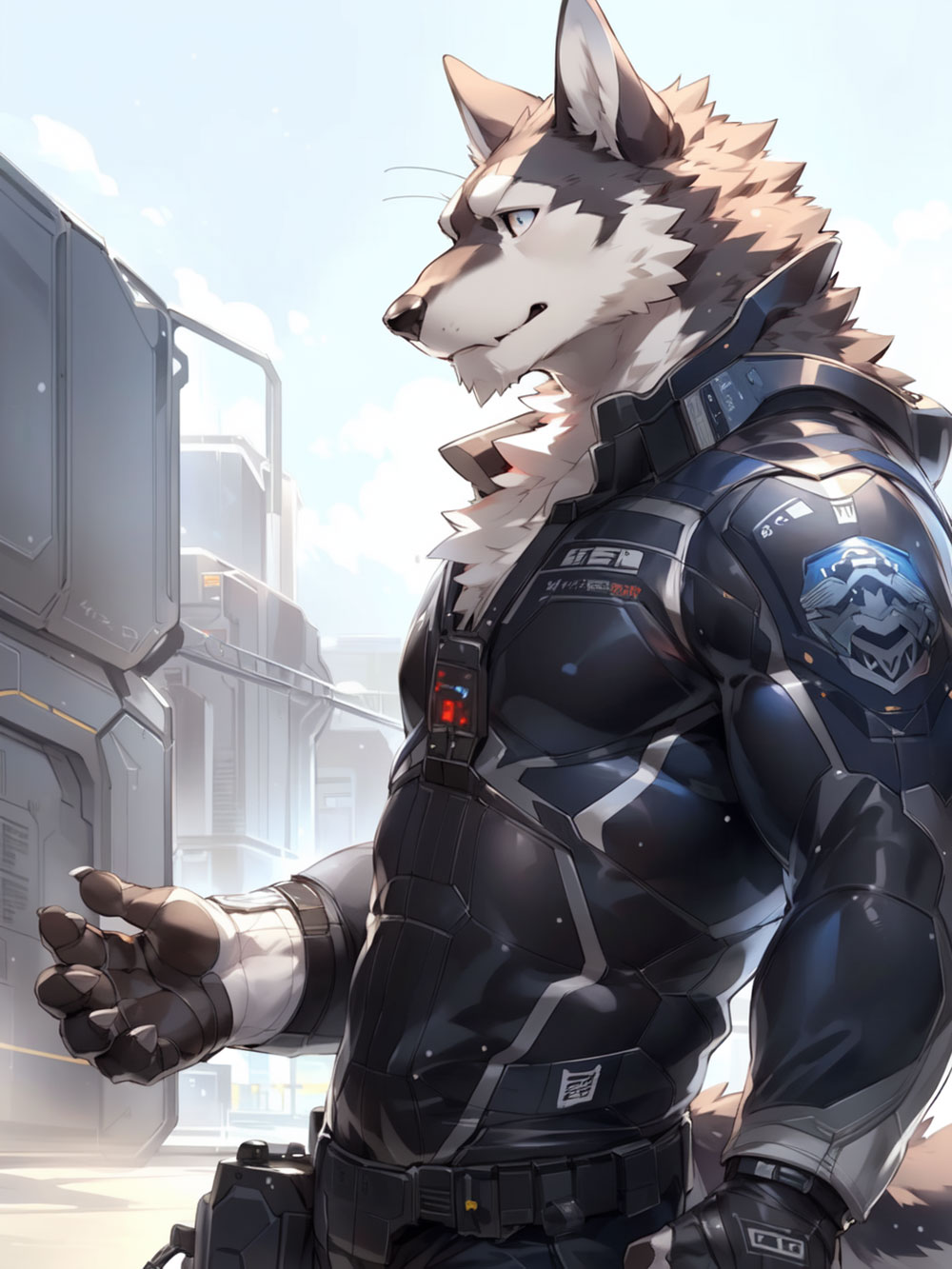
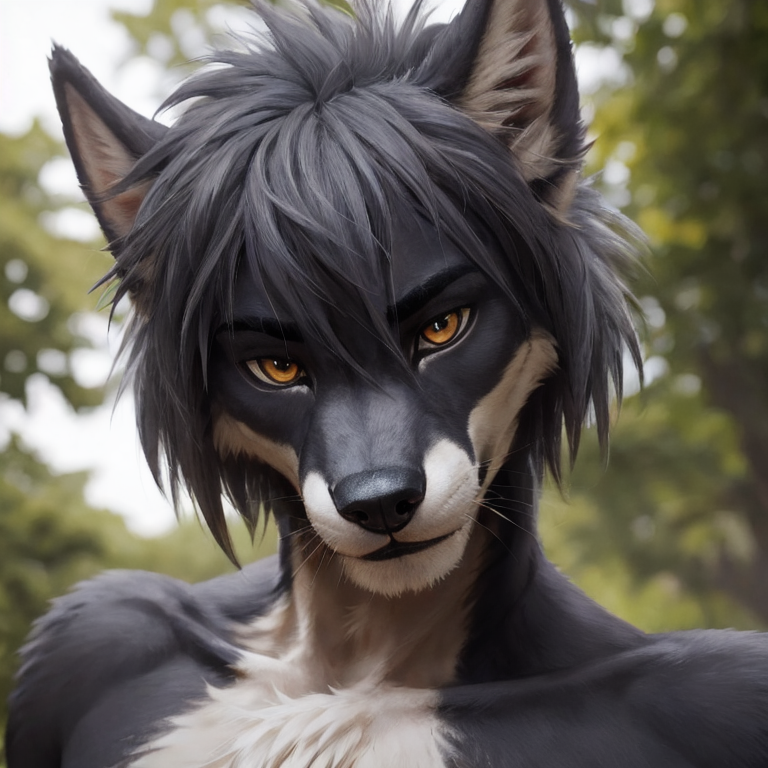
- anthro wolf, dark grey fur, pale grey belly, scar over left eye, amber eyes, black leather jacket, calm expression, standing in a forest, portrait
Keeping your fursona consistent across generations
AI image models do not remember a character between generations, so consistency comes from your prompt. Keep a saved copy of your core description and paste the colour and marking words exactly the same way each time. If you write "black rosettes" once and "dark spots" the next time, you will get two different-looking cats.
Generate six images at a time and pick the ones that match your design best. Small details such as which ear has a notch will vary, so choosing from a set is more reliable than hoping one image comes out right. Stay with the same model while you are refining the character, because Default, Anime and 3D realistic each interpret the same prompt differently. Change only one part of the prompt at a time, such as the outfit or the background, so you can tell what caused a change.
Default, Anime or 3D realistic for a fursona
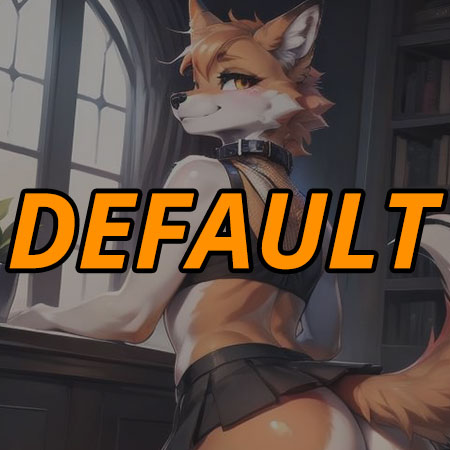
Default produces a painterly illustration look. It is a good starting point for most fursonas and close to what you would get from many commission artists, which makes it useful if you plan to hand the result to an artist as a reference.
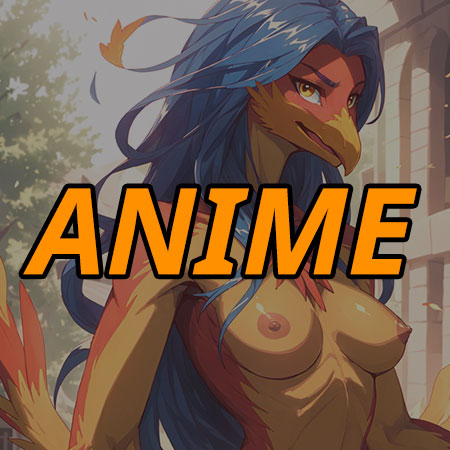
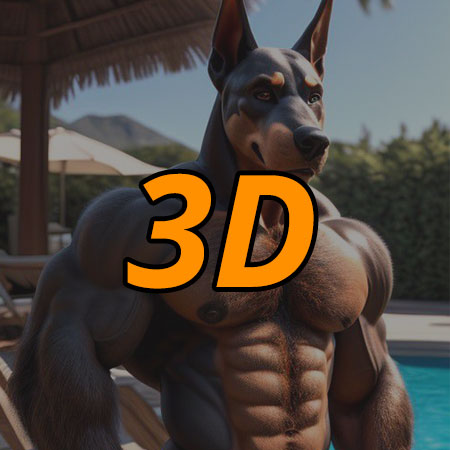
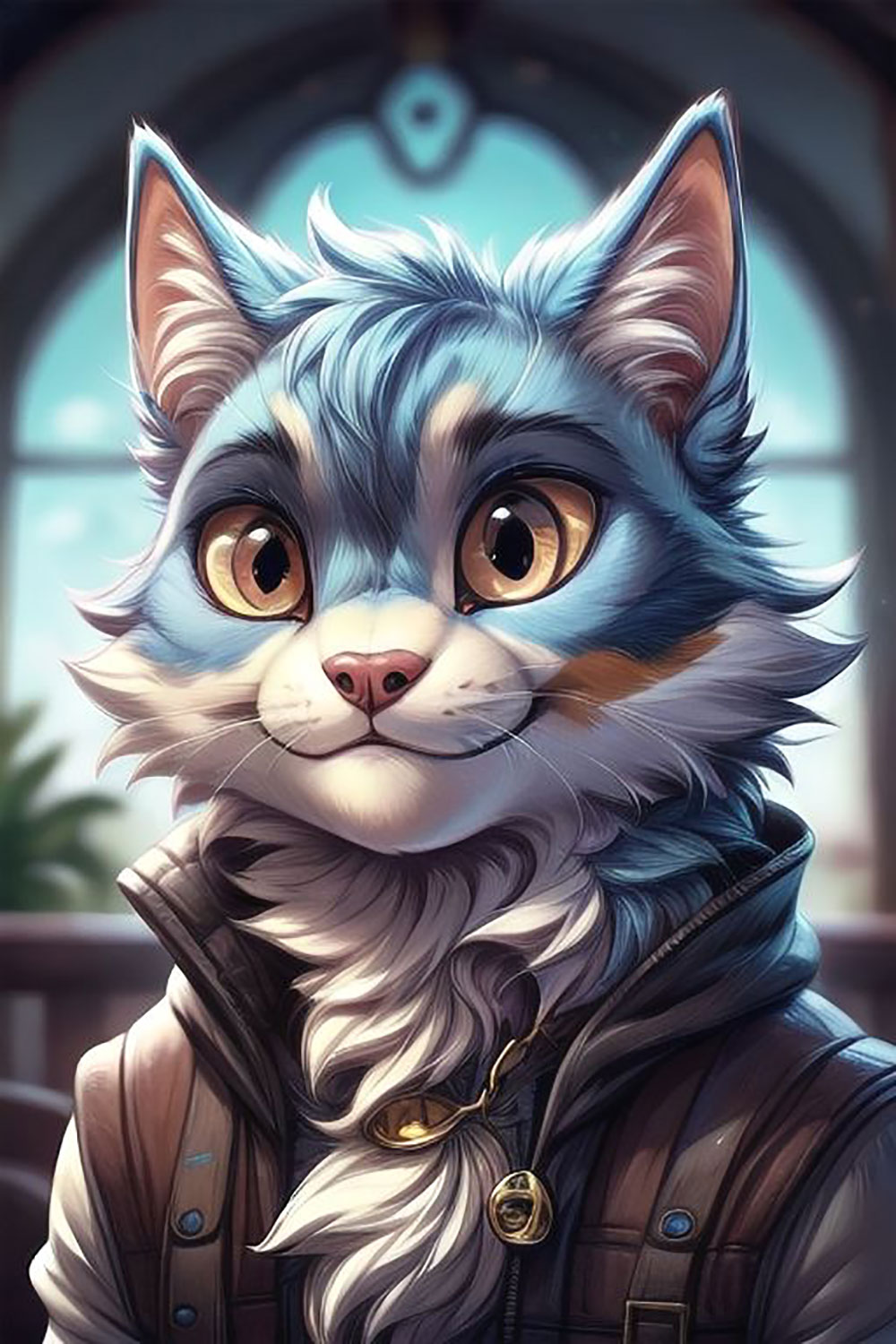
Anime gives cleaner lines, larger eyes and a more stylised face. Choose it if your fursona is meant to look like a character from an anime or a visual novel, or if you want an expressive profile icon. 3D realistic renders fur, fabric and lighting with more depth, which suits a character you picture as a figure or a game model. Try your core prompt on each once, then settle on one for consistent results.
What to do with your fursona next
Pick a square 1:1 portrait for a profile picture or Discord icon, and a 2:3 full-body image to show the whole design. Collect your best images into a folder along with the written description you used; together they make a practical reference for an artist commission.
If you want to put your character into a story, try making a comic at /comics. You can also browse the public gallery at /gallery to see how other people have prompted their characters.